

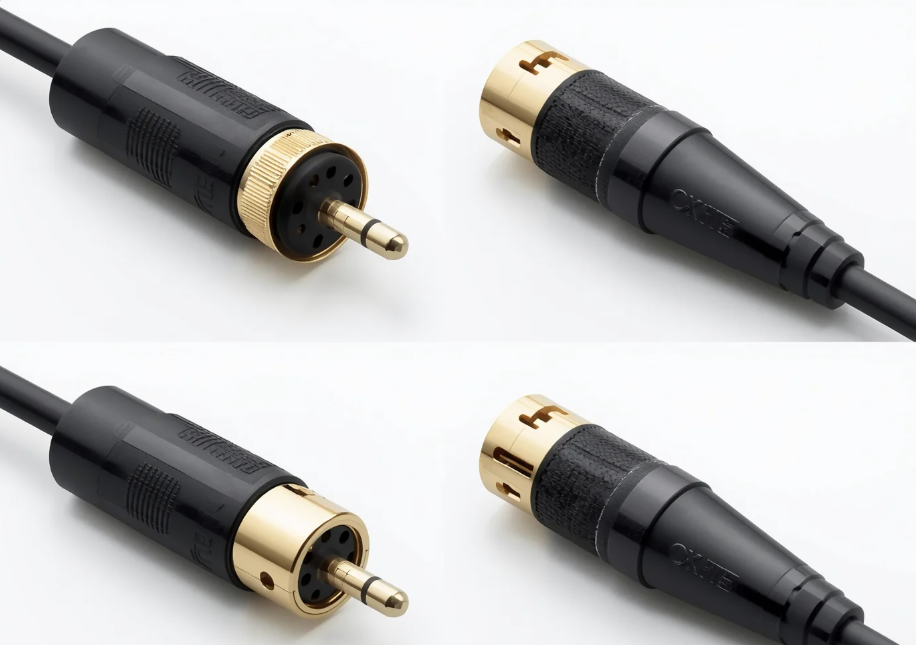
You plug a 5-pin DIN connector into your audio interface, expecting to hear your synthesizer through the monitors. Nothing. Silence. Then you realize — you grabbed a MIDI cable instead of an XLR. It fit the port, so why didn’t it work?
MIDI cables and XLR cables are not the same thing. They look similar at a glance, both have round metal connectors with pins, and both show up in music studios. But one carries digital instructions, the other carries actual sound. Mixing them up won’t damage your gear, but it will guarantee nothing works.
Here’s exactly what sets them apart, why the confusion exists, and how to pick the right one.
What Is a MIDI Cable?
MIDI stands for Musical Instrument Digital Interface. A MIDI cable uses a 5-pin DIN connector — a round metal plug with five pins arranged in a 180-degree semicircle. The cable itself typically contains two twisted pairs and a shield, though only three of the five pins are actually used in most setups (pins 2, 4, and 5).
Here’s the critical part: MIDI cables do not transmit audio. They transmit digital control data — which note you pressed, how hard you pressed it, whether you turned a knob, what patch to load. Think of a MIDI cable as a conductor’s baton. It doesn’t make sound; it tells other devices what sound to make.
A single MIDI cable carries 16 independent channels of control data. That means one cable can simultaneously tell a drum machine to play a kick pattern, a synthesizer to hold a pad chord, and a sampler to trigger a vocal chop — all without a single audio waveform traveling through the wire.
Typical MIDI setups include:
- Keyboards and synthesizers connected to DAWs
- Drum machines synced to a master clock
- MIDI controllers triggering software instruments
- Sequencers driving racks of hardware synths
The data rate is modest — 31.25 kbps, a speed set in 1983 that still works fine today because MIDI messages are tiny. A “note on” message is just three bytes.
What Is an XLR Cable?
XLR cables use a 3-pin connector with a distinctive locking mechanism. Push the connector in and it clicks into place; press the release tab to remove it. That lock isn’t a gimmick — it prevents accidental disconnection during live performances when someone trips over a cable.
Unlike MIDI, XLR cables carry analog audio signals. Specifically, they carry balanced audio, which uses three conductors (positive, negative, and ground) to cancel out electromagnetic interference over long cable runs. This is why you can run an XLR cable 100 meters across a stage and get clean audio at the other end.
XLR cables also carry phantom power — 48 volts DC sent from a mixer or audio interface to power condenser microphones. This is a feature MIDI cables simply don’t support.
Common XLR applications:
- Microphones to mixers or audio interfaces
- Studio monitors to audio interfaces
- DI boxes to mixing consoles
- Stage snakes connecting stage boxes to front-of-house
The connector itself is robust. The pins are numbered 1 (ground), 2 (hot/positive), and 3 (cold/negative). This standardized pinout has been unchanged for decades, which is why a 1980s microphone still plugs into a modern interface without adapters.
MIDI vs XLR: Key Differences at a Glance
| Feature | MIDI Cable | XLR Cable |
|---|---|---|
| Connector | 5-pin DIN (180° semicircle) | 3-pin XLR (triangular layout) |
| Signal Type | Digital control data | Balanced analog audio |
| Pin Count | 5 (3 active in most uses) | 3 |
| Locking Mechanism | None (friction fit) | Push-button lock |
| Carries Audio? | No | Yes |
| Phantom Power | Not supported | Supported (48V DC) |
| Max Reliable Distance | ~15 meters (50 feet) | 100+ meters (300+ feet) |
| Data/Channels | 16 MIDI channels per cable | 1 audio channel per cable |
| Typical Use | Synths, controllers, sequencers | Microphones, monitors, DI boxes |
Can You Use an XLR Cable for MIDI?
No. Even though a 3-pin XLR connector can physically fit into some 5-pin DIN sockets (the outer diameter is similar), three problems make this combination non-functional:
- Pin mismatch. MIDI uses pins 2, 4, and 5 on a 5-pin layout. An XLR has three pins in a completely different arrangement. Even if you managed to force a connection, the wrong pins would touch the wrong contacts — or none at all.
- Signal protocol incompatibility. MIDI sends digital serial data at 31.25 kbps with opto-isolated inputs (the receiving device electrically isolates the signal to prevent ground loops). XLR carries analog voltage fluctuations representing sound waves. Plugging an XLR output into a MIDI input means feeding analog audio into a circuit expecting binary data. The MIDI receiver won’t recognize it.
- Impedance mismatch. MIDI circuits operate at roughly 5V with a current loop design. XLR balanced audio operates at much lower voltages (millivolt range for microphone signals). The electrical characteristics are fundamentally different.
The reverse — plugging a MIDI cable into an XLR jack — is equally useless. A MIDI cable’s wiring isn’t designed for balanced audio, lacks proper shielding for analog signals, and won’t pass phantom power.
There is one exception: specialty XLR-to-MIDI adapter cables exist. These are not simple pin-to-pin cables — they contain active circuitry that converts analog audio to MIDI data (or vice versa). They’re niche products for specific use cases like converting a microphone’s audio into MIDI note triggers. Don’t confuse these with standard cables.
How to Choose the Right Cable for Your Setup
Home Recording Studio
You need both. XLR cables connect your microphone and studio monitors to your audio interface. MIDI cables connect your keyboard controller or synth to the same interface. If you’re using a USB-MIDI controller, you might not need DIN MIDI cables at all — but any hardware synth with 5-pin MIDI ports will require them.
Minimum setup: 2 XLR cables (mic + monitor), 1–2 MIDI cables (synth + controller).
Live Performance
Prioritize XLR cables with Neutrik or Amphenol connectors and proper strain relief. The locking mechanism matters when cables run across stage floors. For MIDI, keep cable runs under 15 meters — beyond that, signal degradation becomes a real risk. If you need longer MIDI runs, use a MIDI thru box or a MIDI-over-Ethernet solution.
Professional Recording Studio
Cable quality directly affects your recordings. XLR cables with braided copper shielding (not spiral-wrapped) reject interference more effectively. Gold-plated connectors resist corrosion in humid environments. For MIDI, the differences are less audible — a functioning MIDI cable either works or it doesn’t — but build quality still matters for reliability during long sessions.
Why Cable Quality Matters: A Manufacturing Perspective
Related OUKETECH resources: OEM cable manufacturer.
Not all cables are built the same, and the differences go deeper than the outer jacket.
Shielding. A well-built XLR cable uses braided copper shielding with at least 90% coverage. Cheap cables use spiral-wrapped shielding that opens gaps when the cable bends, letting interference in. This is the difference between a silent noise floor and a recording with mysterious hum.
Conductor material. Oxygen-free copper (OFC) conductors provide consistent impedance and resist corrosion over time. Budget cables often use copper-clad aluminum (CCA), which is lighter and cheaper but more brittle and less conductive.
Connector plating. Gold-plated connectors don’t oxidize, maintaining clean contact over years of use. Nickel-plated connectors are cheaper but can develop surface corrosion in humid environments — a real problem in live sound where gear moves between air-conditioned venues and outdoor stages.
Strain relief. The junction where cable meets connector is the most common failure point. Molded strain relief with a flexible boot absorbs bending stress. Cables without proper strain relief will fail at this junction, usually mid-performance.
This is where working with a manufacturer that understands cable engineering makes a difference. Companies like OUKETECH specialize in custom cable assemblies built to exact specifications — choosing the right conductor gauge, shielding type, and connector brand for each application. Whether you need custom coaxial cable assemblies for RF applications or custom wiring harnesses for complex multi-device setups, the manufacturing quality determines how long your cables last and how clean your signal stays.
Frequently Asked Questions
Can I use a MIDI cable as a microphone cable?
No. MIDI cables are not designed for analog audio signals. They lack balanced wiring, won’t carry phantom power, and have the wrong connectors for microphone inputs.
Why do MIDI cables have 5 pins if only 3 are used?
The original MIDI specification reserved pins 1 and 3 for future use. They remain unused in standard MIDI applications, though some manufacturers repurpose them for proprietary features like phantom power for MIDI controllers.
Do expensive MIDI cables sound better?
No. MIDI transmits digital data, not audio. A cable either delivers the data correctly or it doesn’t — there’s no “warmer” or “clearer” MIDI signal. Buy for build quality and reliability, not audio performance.
How long can a MIDI cable be?
The official spec says 15 meters (50 feet). Beyond that, the opto-isolator in the receiving device may not reliably detect the signal. For longer runs, use a MIDI thru box as a repeater.
What’s the difference between MIDI DIN and XLR for DMX lighting?
DMX lighting control uses 3-pin or 5-pin XLR connectors that look identical to audio XLR — but the cable impedance is different (110Ω for DMX vs. lower for audio). Using audio XLR for DMX can cause erratic light behavior. MIDI DIN is a completely different connector and protocol, unrelated to DMX.
The Bottom Line
MIDI cables and XLR cables solve different problems. MIDI cables tell instruments what to play. XLR cables carry the actual sound. They look similar, they both appear in studios, and they’re both essential — but they are not interchangeable.
If you’re setting up a studio or stage rig, buy both types. Buy quality XLR cables with good shielding and locking connectors — your recordings depend on them. Buy MIDI cables with solid construction — they’ll work or they won’t, but the ones that fail mid-session are never the ones you paid a few extra dollars for.
Need Custom Cable Solutions?
OUKETECH is a professional cable assembly manufacturer with over 15 years of experience producing custom wire harnesses and cable assemblies for clients across 70+ countries. From prototyping to mass production, we deliver cables built to your exact specifications.Get a Quote →