

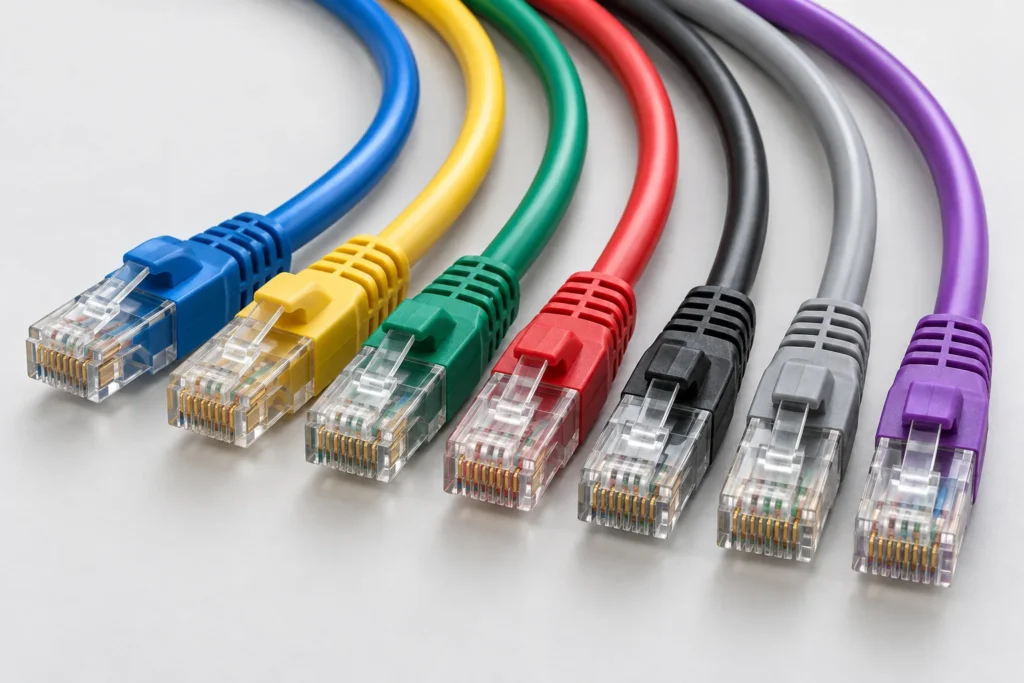
Blue, yellow, green, gray—Ethernet cables often look similar apart from their colors. But when you are sourcing cables for equipment production, a network installation, or a multi-site rollout, those colors can affect how easily products are assembled, inspected, and maintained.
Ethernet cable colors have two different roles. The outer jacket helps people identify cables according to a project’s labeling system. The colored conductors inside help installers follow the correct wiring arrangement. Neither a blue jacket nor a yellow one, by itself, tells you the cable’s speed, category, or PoE capability.
For procurement teams, the practical question is therefore more specific than “Which color should we buy?” It is: “How do we specify color, wiring, and performance so every shipment matches the approved design?”
If your project requires defined lengths, jacket colors, connectors, or identification labels, explore OUKETECH’s custom Ethernet cable assemblies as a starting point for your specification.
Ethernet Cable Jacket Colors: What Do They Mean?
The outer jacket color normally supports cable identification and organization. There is no universal rule that every blue copper Ethernet cable carries ordinary data or every yellow cable supplies PoE. The meaning depends on the organization’s documented scheme.
For example, an equipment manufacturer could assign different jacket colors to distinguish service connections from production network connections.
The table below shows an illustrative project scheme—not an industry standard.
| Jacket color | Example project assignment | What buyers should document |
|---|---|---|
| Blue | General equipment network connections | Applicable equipment models and cable part numbers |
| Yellow | Connections to cameras or access points | Device identification and separate PoE requirements |
| Red | Links requiring special attention before disconnection | Warning labels and maintenance procedure |
| Green | Service or maintenance network | Port identification and intended connection |
| Black | Internal cabinet connections | Length, routing, and environmental requirements |
| Gray | Standard replacement patch cords | Approved specifications and replacement part numbers |
| Purple | A separate network or equipment group | The project-specific meaning of that group |
A supplier may use the same color for a completely different purpose. Include your color assignment in the drawing, bill of materials, or purchasing specification instead of assuming that the supplier already knows it.
Also, color does not create network separation. A purple cable can visually identify a network group, but VLAN configuration and access controls must be implemented separately.
What Do the Wire Colors Inside an Ethernet Cable Mean?
Inside a conventional four-pair copper Ethernet cable are eight insulated conductors, arranged as four twisted pairs:
- White/orange and orange
- White/green and green
- White/blue and blue
- White/brown and brown
These colors identify the pairs during termination. Keeping the correct conductors together matters: an assembly can have end-to-end continuity yet contain a split pair that harms transmission performance. A basic continuity check alone may miss this problem.
This distinction is useful when reviewing samples from a custom Ethernet cable manufacturer. A matching jacket color confirms only one visible detail. It does not verify the internal wiring or electrical performance.
The four-pair explanation applies to the conventional cables discussed here. Industrial two-pair Ethernet and Single Pair Ethernet require their own connector and wiring specifications.
T568A vs. T568B: Ethernet Wire Color Code Chart
T568A and T568B define conductor assignments for eight-position modular connections commonly called RJ45. They exchange the orange and green pair positions; the blue and brown pair positions remain unchanged. Neither arrangement offers an inherent transmission-performance advantage.
| Pin number | T568A wire color | T568B wire color |
|---|---|---|
| 1 | White/green | White/orange |
| 2 | Green | Orange |
| 3 | White/orange | White/green |
| 4 | Blue | Blue |
| 5 | White/blue | White/blue |
| 6 | Orange | Green |
| 7 | White/brown | White/brown |
| 8 | Brown | Brown |
Use the connector manufacturer’s pin-numbering diagram when interpreting this table. The apparent left-to-right order changes with the viewing direction.
For a conventional straight-through patch cord, specify T568A at both ends or T568B at both ends. Mixing the two creates a crossover arrangement for the orange and green pairs.
For procurement, write “T568B at both ends, straight-through” rather than simply “standard RJ45 wiring.” Where an assembly includes an M12 connector or a proprietary interface, supply the complete connector-to-connector pin map.
Why Are Ethernet Cable Colors Important for B2B Buyers?
Color becomes useful when it connects the purchasing specification to assembly, installation, and maintenance.
Faster Identification During Installation
A documented color scheme helps technicians distinguish cable groups without tracing every connection first.
For color-coded Ethernet cables for equipment manufacturers, combine the jacket color with a readable part number and endpoint label. This gives installers both a quick visual cue and a precise identification method.
Fewer Picking and Replacement Errors
Two cables may share the same connectors but have different lengths, shielding, or environmental ratings. Distinct colors can help warehouse and service teams recognize the intended variant.
However, a replacement should still be selected by its approved part number. Matching color alone is insufficient.
More Consistent Repeat Orders
“Blue cable” leaves room for interpretation. Different materials, finishes, and production batches can produce visibly different shades.
If color matching matters, specify a color reference and approve a physical sample. Agree on acceptable variation before placing a bulk order.
Easier Maintenance Across Multiple Sites
A shared color plan can help service teams move between installations with less confusion. Maintain the same meaning in drawings, installation guides, cable labels, and replacement lists.
Use text labels alongside colors so identification remains possible under poor lighting and for technicians with color-vision differences.
Does Ethernet Cable Color Affect Speed, Shielding, or PoE?
Jacket color is not a performance rating. Check the cable specification and test evidence.
A blue Cat6 cable is not inherently faster than a yellow Cat6 cable. Likewise, a black jacket does not establish outdoor suitability, and a white jacket does not establish a particular fire rating.
For a bulk Cat6 Ethernet cable order, confirm the category, conductor construction, shielding, length, jacket requirements, and connector compatibility independently of the chosen color.
For custom PoE Ethernet cable assemblies, specify the intended PoE application and operating conditions. Relevant electrical checks include DC loop resistance and resistance unbalance within and between pairs. These properties cannot be judged from jacket color.
How to Specify Custom Color-Coded Ethernet Cables
A useful RFQ separates identification requirements from electrical and mechanical requirements. This makes supplier quotations easier to compare.
| RFQ item | Information to provide |
|---|---|
| Application | Equipment type, installation location, and intended network use |
| Cable category | Required Cat5e, Cat6, Cat6A, or other defined specification |
| Cable construction | Conductor material, gauge, solid or stranded construction, and shielding |
| Finished length | Measurement reference and tolerance |
| Connectors | Connector type, part number where applicable, and orientation |
| Wiring | T568A/T568B at both ends or a complete pin map |
| Jacket | Material and application-specific environmental requirements |
| Color | Stock color or agreed reference, with sample approval requirements |
| Identification | Printed part number, endpoint labels, revision, and lot identification |
| Testing | Applicable limits, test configuration, inspection scope, and report requirements |
| Quantities | Prototype quantity, order quantity per color and length, and annual forecast |
| Packaging | Individual bags, installation kits, or bulk packaging |
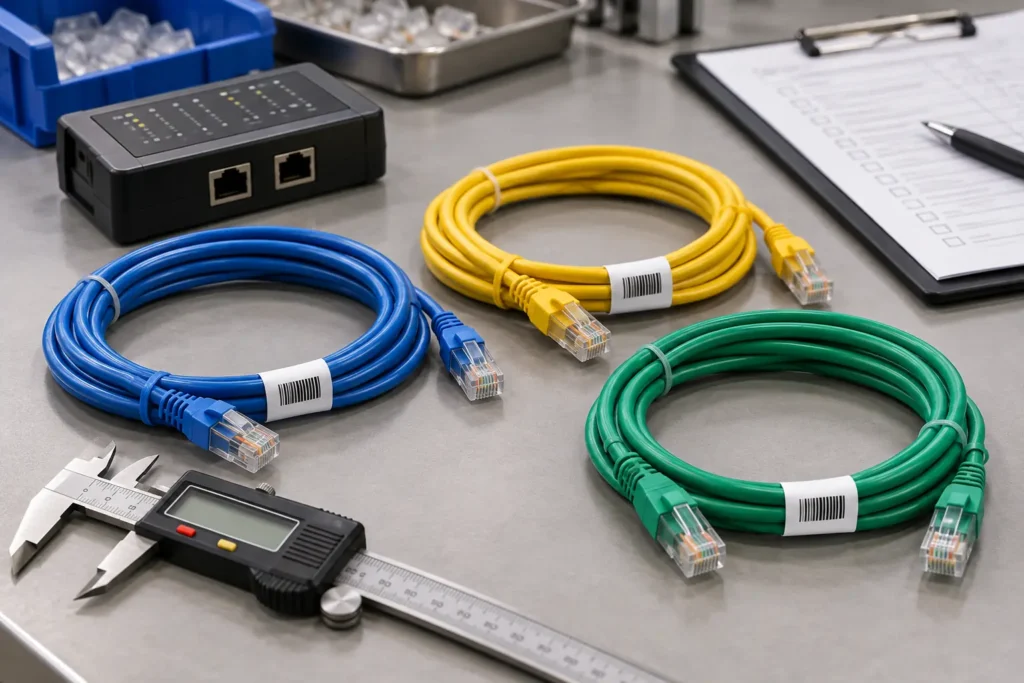
For OEM Ethernet cable assemblies with custom labeling, define the label text, location, orientation, and required durability. A label hidden inside an enclosure may be of little use to a service technician.
If the design needs a molded exit or a particular strain-relief shape, review overmolded cable assembly options during the mechanical design stage. Confirm clearance, bend requirements, and mating access before approving the sample.
What Should Buyers Check Before Approving Bulk Production?
A color-correct sample is only part of approval. Check it against the full drawing and acceptance criteria.
First, verify appearance and identification. Confirm jacket color, boot color, print legibility, labels, and packaging identification.
Second, check fit and wiring. Verify finished length, connector orientation, latch access, strain relief, and the specified wire map.
Third, agree on performance evidence. Ask what is tested, against which limits, and in which configuration. “Fluke tested” alone does not explain whether the supplier performed a wire-map check, a patch-cord test, or another measurement.
Finally, control changes. Require approval before substitutions affecting the cable, connectors, jacket material, color, or labeling. Keep the approved drawing revision and sample reference associated with the purchase order.
These controls help buyers compare Ethernet cable suppliers for OEM production using a common specification rather than appearance or unit price alone.
Common Purchasing Mistakes—and How to Avoid Them
Assuming Yellow Means PoE
Yellow may identify PoE connections within your project, but it does not demonstrate PoE suitability.
Better approach: Specify the electrical requirements separately and document yellow as the identification color.
Assuming a Green Jacket Means Crossover Wiring
Jacket color cannot verify a pin map.
Better approach: Put the required wiring on the drawing and confirm it through testing.
Ordering Too Many Color Variants
Each combination of color, length, and connector can become a separate inventory item. This increases purchasing complexity and may leave slow-moving stock.
Better approach: Reserve jacket colors for meaningful groups and use labels for detailed identification.
Ignoring MOQ per Color
A supplier’s overall minimum order quantity may differ from its minimum for a custom jacket color.
Better approach: Request MOQ and price breaks by color and configuration. For prototypes and small batches, ask whether stock colors with custom labels can meet the requirement.
Approving Color from a Screen Image
Screens, lighting, and surface finish can change perceived color.
Better approach: Approve a physical reference when shade consistency is commercially important.
Frequently Asked Questions
Can Cat5e, Cat6, and Cat6A cables use the same jacket color?
Yes. Jacket color does not uniquely identify the category. Use product markings, documentation, and the approved specification.
Is T568B better than T568A?
Neither has an inherent performance advantage. Follow the project’s specified wiring arrangement and confirm it at both ends.
Can we order different colors under one purchase order?
List each color and configuration as a separate line item. Ask the supplier to confirm MOQ, pricing, and lead time for each variant.
Are custom colors practical for prototype orders?
That depends on material availability and production minimums. Stock jacket colors with custom labels may be more economical during prototype development. Confirm the production color before final approval.
Discuss Your Ethernet Cable Requirements with OUKETECH
Color should make the correct cable easier to identify throughout its working life—from incoming inspection to field replacement.
For an OEM program, coordinate jacket color with the cable’s electrical specification, mechanical drawing, labels, and acceptance criteria. OUKETECH’s OEM cable manufacturing services provide a relevant starting point for discussing these requirements.
Whether your project involves prototypes, small batches, a high-mix cable range, or high-volume production, include quantities by variant so the quotation reflects the actual purchasing plan.
Send your Ethernet cable RFQ to OUKETECH with your drawing or sample details, required category, connector configuration, lengths, colors, testing requirements, and delivery schedule. Ask for confirmation of available materials, MOQ per variant, sample arrangements, and production lead time.